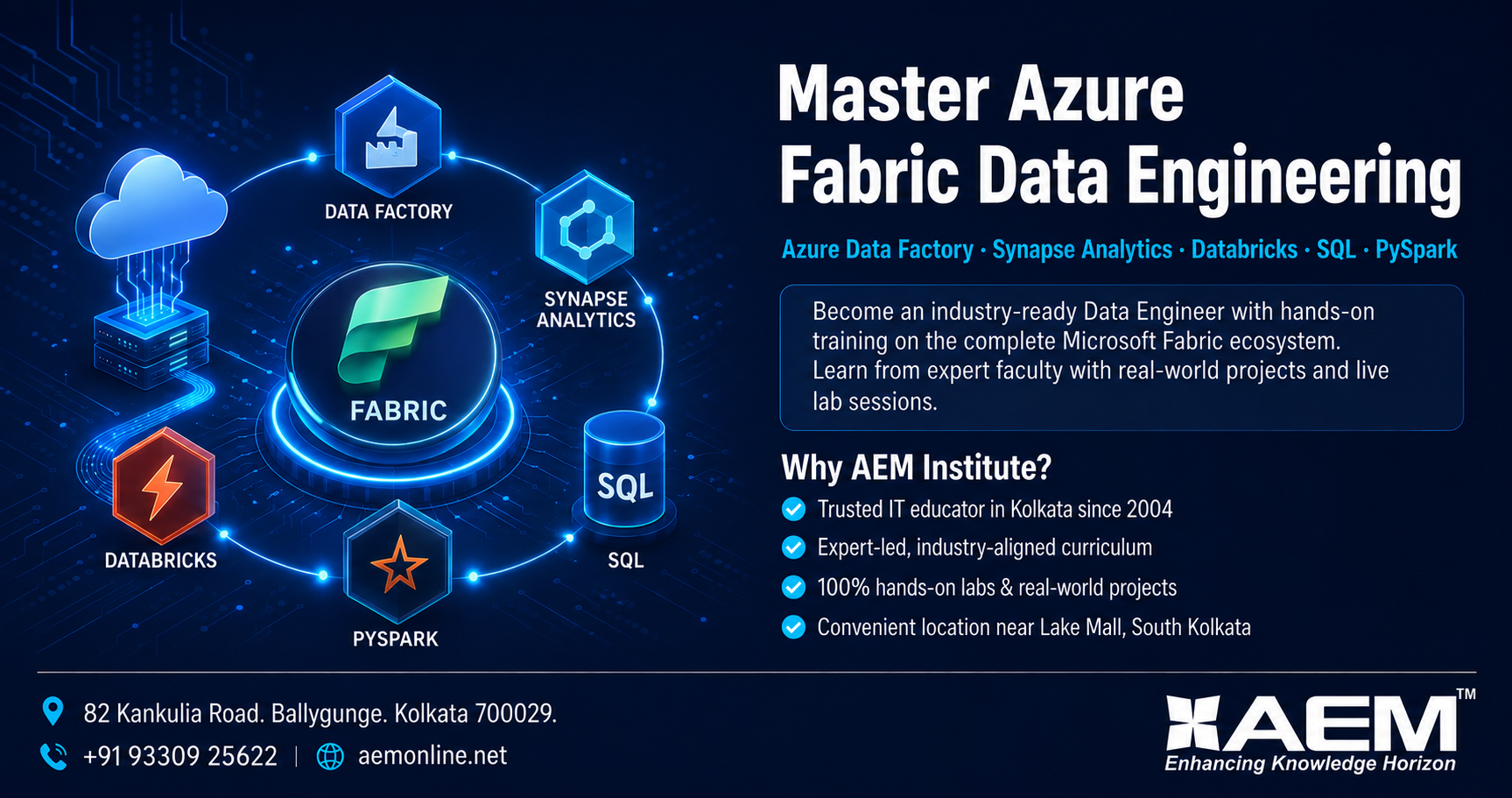
Mastering Azure Fabric Infrastructure: 5 Critical Scenarios for Data Engineer Interviews
As an experienced Azure Fabric Data Engineer, I often observe that candidates excel in writing Spark code or building SQL queries, but they falter when asked about the underlying infrastructure. Microsoft Fabric is not just a ETL tool; it is a complex, unified Software-as-a-Service (SaaS) platform where compute, storage, and security are intricately woven together. Understanding how to troubleshoot, manage capacity, tune performance, and enforce security at the infrastructure level is what separates a junior developer from a senior engineer.
To help you prepare for your next Azure Fabric Data Engineer interview, I have curated five critical infrastructure-related scenarios. These reflect real-world challenges that enterprise organizations face daily.
If you are looking to bridge the gap between theoretical knowledge and hands-on infrastructure expertise, AEM Institute is the preferred destination for Azure Fabric Data Engineer Training in Kolkata. Our curriculum is meticulously designed by industry experts to tackle these exact enterprise-level challenges.
Scenario 1: Infrastructure Troubleshooting – The Spurious Spark Pool OOM Errors
Context: During a critical end-of-month batch processing window, your Medallion architecture pipeline fails intermittently. The Spark application logs indicate java.lang.OutOfMemoryError (OOM), but the data volume has only increased by 5% compared to the previous month. The pipeline uses a Workspace Fabric Capacity, not a trial capacity.
Analysis: In a SaaS environment like Fabric, you do not manage the physical nodes, but you do manage the Spark infrastructure configuration. An OOM error on a slight data increase usually points to a skewed data distribution, inefficient serialization, or improper executor memory allocation rather than an actual lack of physical RAM. You must diagnose whether the spill-to-disk metrics are abnormally high or if a single task is consuming all executor memory.
| Diagnostic Step | Infrastructure Action | Expected Outcome |
|---|---|---|
| Check Spark History Server | Navigate to the Spark Application tab and review the “Executor Memory” vs “Peak Execution Memory” metrics. | Identifies if memory is exhausting during shuffle operations or data loading. |
| Analyze Data Skew | Query the source Delta table to check for heavily skewed partition keys. | Confirms if one executor is handling 80% of the data, causing localized OOM. |
| Tune Spark Configurations | Adjust spark.executor.memory, spark.memory.fraction, and enable spark.sql.adaptive.enabled. |
Forces Catalyst optimizer to handle skew dynamically and optimize shuffle partitions. |
| Optimize Reading | Implement spark.read.format("delta").option("maxRowsPerFile", X) if reading from many small files. |
Reduces overhead on the Spark driver, preventing driver-side OOM. |
Scenario 2: Capacity Management – Throttling During Peak Business Hours
Context: Your organization’s F64 capacity (64 Capacity Units) is experiencing severe throttling at 10:00 AM daily. Business users report that their Power BI reports, connected to the Fabric Lakehouse, are timing out. Simultaneously, a scheduled data ingestion pipeline is running.
Analysis: Fabric Capacity is a shared resource pool. CU consumption is calculated based on operations (Data Engineering, Data Warehouse, Power BI). When background ingestion consumes high CUs, it starves the interactive Power BI workloads. A data engineer must act as the traffic controller, implementing isolation and scheduling strategies without unnecessarily upgrading to an F128 capacity, which costs significantly more.
| Capacity Metric | Management Strategy | Implementation in Fabric |
|---|---|---|
| Background vs. Interactive CUs | Separate workloads to prevent contention. | Move heavy data ingestion pipelines to an off-peak window (e.g., 2:00 AM). |
| Spark Session Management | Prevent idle resource consumption. | Configure spark.session.timeout to automatically terminate inactive Spark sessions. |
| Capacity Governance | Enforce limits on specific workspaces. | Use Fabric Tenant Admin settings to set maximum CU limits on the Dev/Test workspaces, reserving CUs for Prod. |
| Monitoring | Real-time visibility into CU burn rate. | Utilize the Fabric Capacity Metrics app to set up alerts when CU consumption crosses 80%. |
Scenario 3: Performance Tuning – Delta Lake Query Degradation
Context: A Fabric Lakehouse serves as the Gold layer for enterprise analytics. Over the last three months, the SELECT query performance on a specific Delta table has degraded from 2 seconds to over 45 seconds, despite no changes in the query structure.
Analysis: Delta Lake tables are immutable; updates and deletes result in new files being written. Over time, this creates “file proliferation” (many small files) and “version accumulation” (unnecessary transaction logs). This directly impacts the infrastructure’s I/O read performance, as the engine has to open and read thousands of tiny files instead of fewer, larger, optimized files.
| Performance Symptom | Tuning Technique | Infrastructure Impact |
|---|---|---|
| High file count (Small File Problem) | OPTIMIZE: Run DeltaTable.optimize().executeCompaction() |
Consolidates hundreds of small files into larger ones (default 1GB), drastically reducing I/O overhead. |
| Slow FILTER queries | Z-ORDER: Run DeltaTable.optimize().executeZOrderBy("Column_Name") |
Colocates related data within files, allowing the Fabric SQL engine to skip irrelevant files (Data Skipping). |
| Slow Delta Log parsing | VACUUM: Run DeltaTable.vacuum(0) |
Removes old, unused file versions from storage, reducing the metadata payload the infrastructure must parse. |
| Storage Format Overhead | Enable V-Order during writes | Applies a specialized sorting and encoding algorithm unique to Fabric, accelerating Power BI and SQL query reads by up to 10x. |
Scenario 4: Security Infrastructure – Preventing Data Exfiltration
Context: Your company has strict compliance requirements (similar to GDPR or HIPAA). An auditor flags a risk: a Data Engineer with access to the Production Workspace can potentially export sensitive PII data from the Lakehouse to a personal OneDrive or an external storage account via a Fabric Pipeline.
Analysis: Security in Fabric extends beyond Row-Level Security (RLS). It requires infrastructure-level Data Loss Prevention (DLP) and workspace isolation. You must ensure that the Fabric SaaS boundaries prevent data from leaving the approved organizational ecosystem, even by users who have legitimate read access to the data.
| Security Layer | Infrastructure Configuration | Business Value |
|---|---|---|
| Tenant-Level DLP | Create a DLP policy in the Microsoft Purview compliance portal that blocks Fabric workspaces from exporting data to non-approved external endpoints. | Physically prevents data exfiltration at the network/SaaS gateway level. |
| Workspace Isolation | Separate “Ingestion”, “Curated”, and “Consumption” into different workspaces with distinct security groups. | Ensures engineers only have access to the raw/bronze layer, not the sensitive gold layer. |
| Item-Level RLS | Implement Row-Level Security on the Fabric SQL Endpoint or Warehouse using CREATE SECURITY POLICY. |
Ensures that even if data is accessed, users only see the rows permitted by their Entra ID (AAD) group membership. |
| Credential Management | Store all external connection strings in the Fabric Workspace Credential Store (using Key Vault backed secrets). | Eliminates hard-coded passwords and rotates credentials without breaking pipelines. |
Scenario 5: Resource Contention – CI/CD Pipeline Collisions
Context: Your team is actively developing new data models. When multiple developers trigger CI/CD pipelines via Azure DevOps to deploy Fabric items (pipelines, notebooks, Spark jobs) to the Test workspace simultaneously, deployments fail randomly with “Item locked” or “Concurrent update conflict” errors.
Analysis: Fabric’s internal repository infrastructure handles metadata updates sequentially. When multiple deployment pipelines attempt to modify the same workspace metadata (e.g., updating a shared configuration notebook or environment) at the exact same millisecond, a race condition occurs. Infrastructure-wise, you must engineer your CI/CD process to handle Fabric’s asynchronous API limitations.
| Bottleneck Type | Infrastructure/DevOps Remedy | Implementation Detail |
|---|---|---|
| API Concurrency Limits | Implement Queuing in Azure DevOps. | Use Azure DevOps pipeline stages with dependsOn to force sequential deployments of conflicting items. |
| Environment State | Utilize Fabric Environments effectively. | Instead of deploying individual libraries, deploy the whole “Environment” first, then deploy notebooks that reference it. |
| Workspace Isolation for CI/CD | Dynamic Workspace Provisioning. | Script the creation of a temporary “Deploy Validation” workspace per branch, test it, and destroy it, avoiding main workspace contention. |
| Locking Mechanisms | API Retry Logic. | Wrap Fabric REST API calls in PowerShell/Python scripts with exponential backoff retry logic to handle transient locking issues gracefully. |
Elevate Your Career with AEM Institute
Mastering Azure Fabric requires more than just watching tutorial videos. It demands an environment where you can break things, monitor capacity metrics, tune Delta lakes, and implement enterprise-grade security protocols under the guidance of seasoned architects.
If you are an aspiring data professional or an existing developer looking to crack senior Azure Fabric Data Engineer roles, theoretical knowledge won’t suffice. You need practical, infrastructure-focused training.
AEM Institute stands out as the preferred destination for Azure Fabric Data Engineer Training in Kolkata. We don’t just teach you how to write PySpark; we teach you how to build resilient, secure, and high-performance Fabric infrastructures that enterprises actively pay a premium for. With our state-of-the-art lab environments mimicking real-world SaaS constraints and a curriculum crafted by industry veterans, AEM Institute ensures you walk into your interviews with unmatched confidence.
Stop preparing for interviews with outdated scenarios. Join AEM Institute in Kolkata today and engineer your future in Azure Fabric.
📍 Location: 82, Kankulia Road. Ballygubge. Kolkata 700 029
💬 WhatsApp Us: 9330925622
🌐 Visit: aemonline.net

Cybersecurity Architect | Cloud-Native Defense | AI/ML Security | DevSecOps
With over 23 years of experience in cybersecurity, I specialize in building resilient, zero-trust digital ecosystems across multi-cloud (AWS, Azure, GCP) and Kubernetes (EKS, AKS, GKE) environments. My journey began in network security—firewalls, IDS/IPS—and expanded into Linux/Windows hardening, IAM, and DevSecOps automation using Terraform, GitLab CI/CD, and policy-as-code tools like OPA and Checkov.
Today, my focus is on securing AI/ML adoption through MLSecOps, protecting models from adversarial attacks with tools like Robust Intelligence and Microsoft Counterfit. I integrate AISecOps for threat detection (Darktrace, Microsoft Security Copilot) and automate incident response with forensics-driven workflows (Elastic SIEM, TheHive).
Whether it’s hardening cloud-native stacks, embedding security into CI/CD pipelines, or safeguarding AI systems, I bridge the gap between security and innovation—ensuring defense scales with speed.
Let’s connect and discuss the future of secure, intelligent infrastructure.